Spam and junk emails are emails that are usually sent to a large number of users simultaneously with the intention of advertising, phishing or spreading malwares.
It is a well-known fact that the tendency of receiving spam emails is constantly growing and thus, the mailservers use continuously more antispam rules and algorithms to filter the emails in order to increase the chances of recognizing spam messages, which are then either discarded or moved to the spam / junk folder.
Sometimes the antispam mechanisms of the servers may incorrectly mark an email as unwanted and consequently send it to the spam / junk folder and not into the recipient's inbox. Most email services automatically empty spam and junk folders after some time (usually 30 days).
What can I do to prevent legitimate emails from going to the spam/junk folder?
In general, it is recommended that you periodically check your messages in the spam / junk folder and optionally do a manual cleanup. If you find an email that is was not supposed to go to the spam folder, you can drag & drop it to the Inbox folder or to any other folder you want.
Usually the email services as well as the email applications, place a distinct bar at the top of the email delivered to the spam / junk folder, allowing you to click "Not spam" or "It's not junk" so that the message is moved to your Inbox folder. In some cases, by pressing the above options, the sender's email address is automatically added to the safe senders list, also known as whitelist.
This way, messages from the same sender will now be delivered to your Inbox.
If you want to see more ways to add a sender to the safe senders list, please click on the tab below that corresponds to your email provider.
Notes:
- Except from a specific email address, you can also add to the safe senders list a domain name as well. For example, you can add “ip.gr” instead of “support@ip.gr”.
- The below instructions concern the email management from a browser through the official website of the email service providers.
- If your email’s domain is hotmail.com, hotmail.gr, outlook.com, outlook.com.gr, msn.com, live.com or windowslive.com, you have to sign in to your account through the website of Microsoft Outlook: https://outlook.live.com.


- If you have an email that was mistakenly sent to the Junk folder and want to move it to your Inbox and also add the sender to the whitelist:
- If you want to add directly an email address to the whitelist from the settings of your email, without opening a message from the sender:
Step 1: Click It’s not junk on the bar at the top of the message.

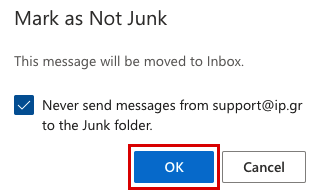
Step 2: A popup dialog is displayed asking your confirmation to not send the emails from this sender to your Junk folder again. Press OK.
Step 1: From the toolbar on the top of the window, click the gear.

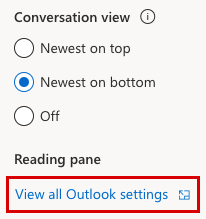
Step 2: Select View all Outlook settings.
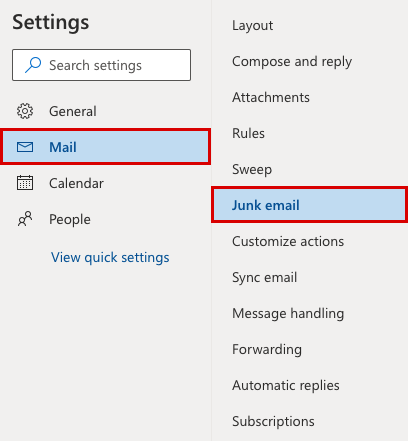
Step 3: From the Mail tab, go to Junk email.
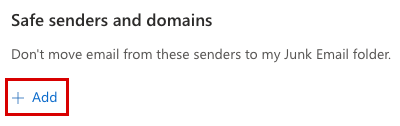
Step 4: Below Safe senders and domains section, click + Add.
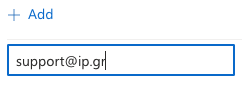
Step 5: Enter the email address of the sender you want to add to the safe senders list and press enter on your keyboard.
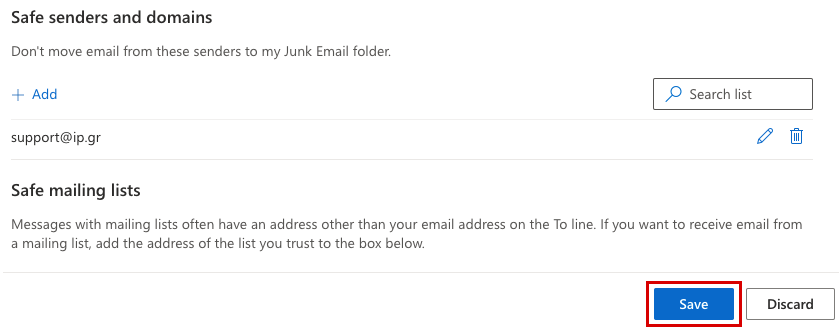
Step 6: Click on Save at the bottom of the page.

- If you have an email that was mistakenly sent to the Spam folder and want to move it to your Inbox and also add the sender to the whitelist:
- If you want to add directly an email address to the whitelist from the settings of your email, without opening a message from the sender:
Click Not Spam on the bar at the top of the message.

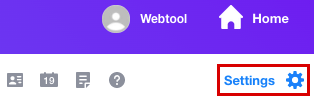
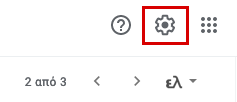
Step 1: From the toolbar on the top of the window, click the gear Settings.
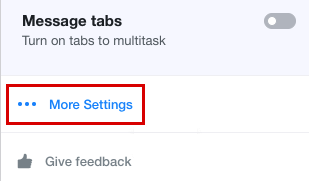
Step 2: Click More Settings.
Step 3: From the panel on the left, go to Filters and click + Add new filters.

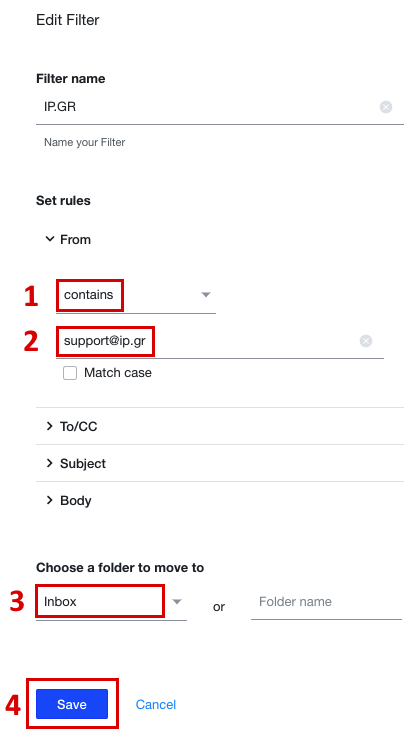
Step 4: Below From select contains from the drop-down list and enter the email address that you want to whitelist.
On Choose a folder to move to, select Inbox from the drop-down list and press Save.

Step 1: From the toolbar on the top of the window, click the gear Settings.
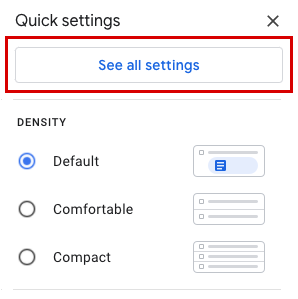
Step 2: Click See all settings.
Step 3: Go to the Filters and blocked addresses tab and click Create a new filter.
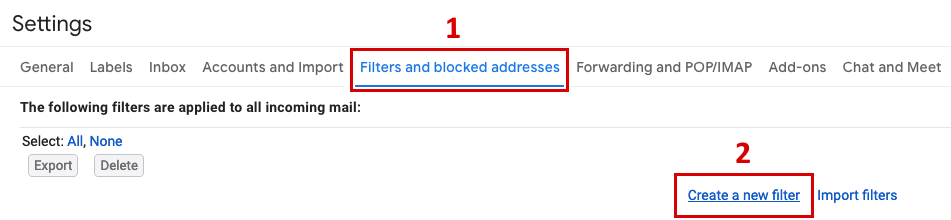
Step 4: In the field From enter the email address that you want to add to the safe senders list and click Create filter.
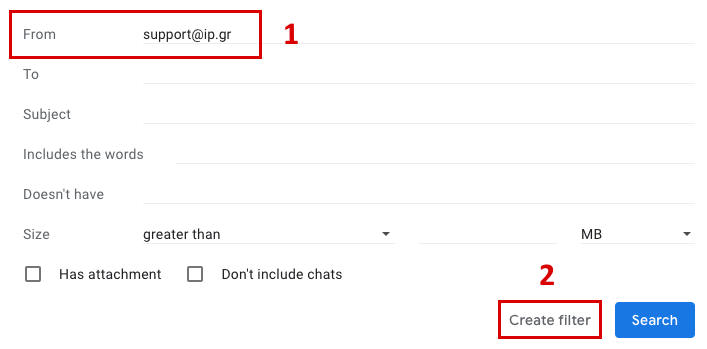
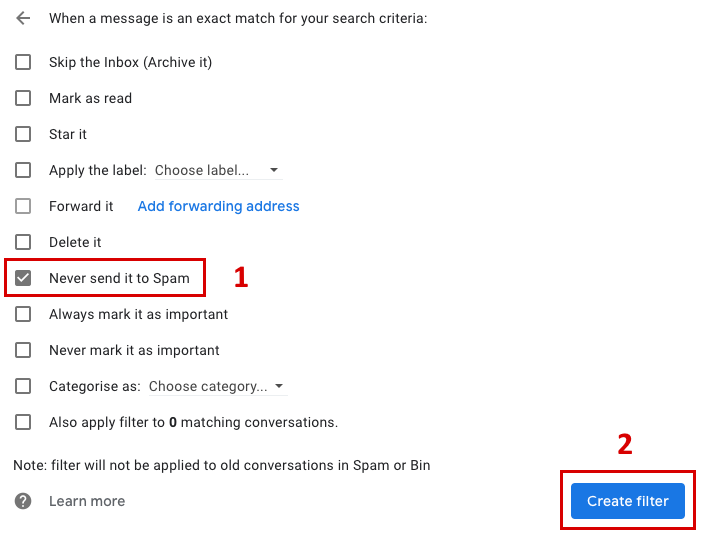
Step 5: Select Never send it to Spam and click Create filter.