


Discounts both in physical and online stores aim to attract new customers and increase the engagement with the existing ones.
Opencart gives you the opportunity to attract buyers through its voucher system.
Follow the steps bellow and learn how you can create coupons through the Opencart dashboard:
- Login to OpenCart’s dashboard.
- From the navigation menu select Marketing → Coupons.
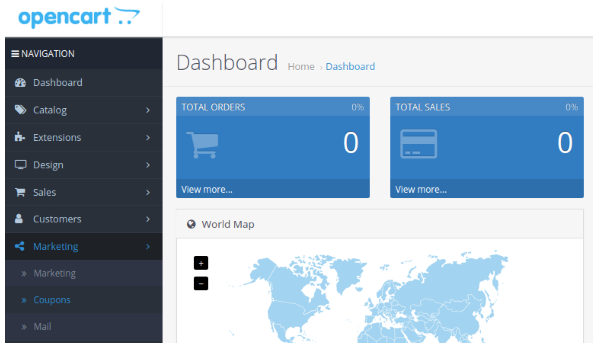
- Click the + Add New button.
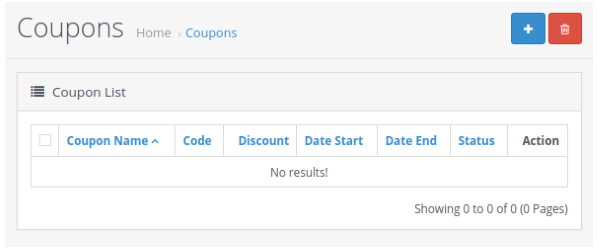
- Fill the required fields for the Coupon Name, which will appear to to your customer, and the Coupon Code, which your customer will have to use in order to get the discount.
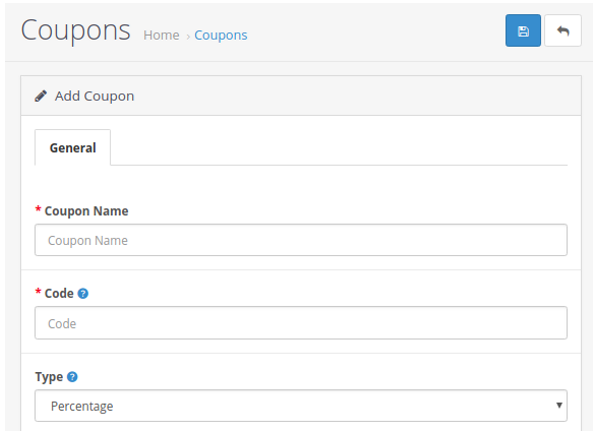
- Also fill the fields for the discount amount, choose the categories and the products you want the coupon to apply, the duration that it will be valid and others options.
- Click Save to activate the coupon on your eshop.


